Counto Help & Support Center
Access guided demos and step-by-step walkthroughs across every Counto platform. Learn how to manage your ACRA compliance, IRAS tax, payroll, and daily operations.

Incorporation Details
How do I complete my company registration application?
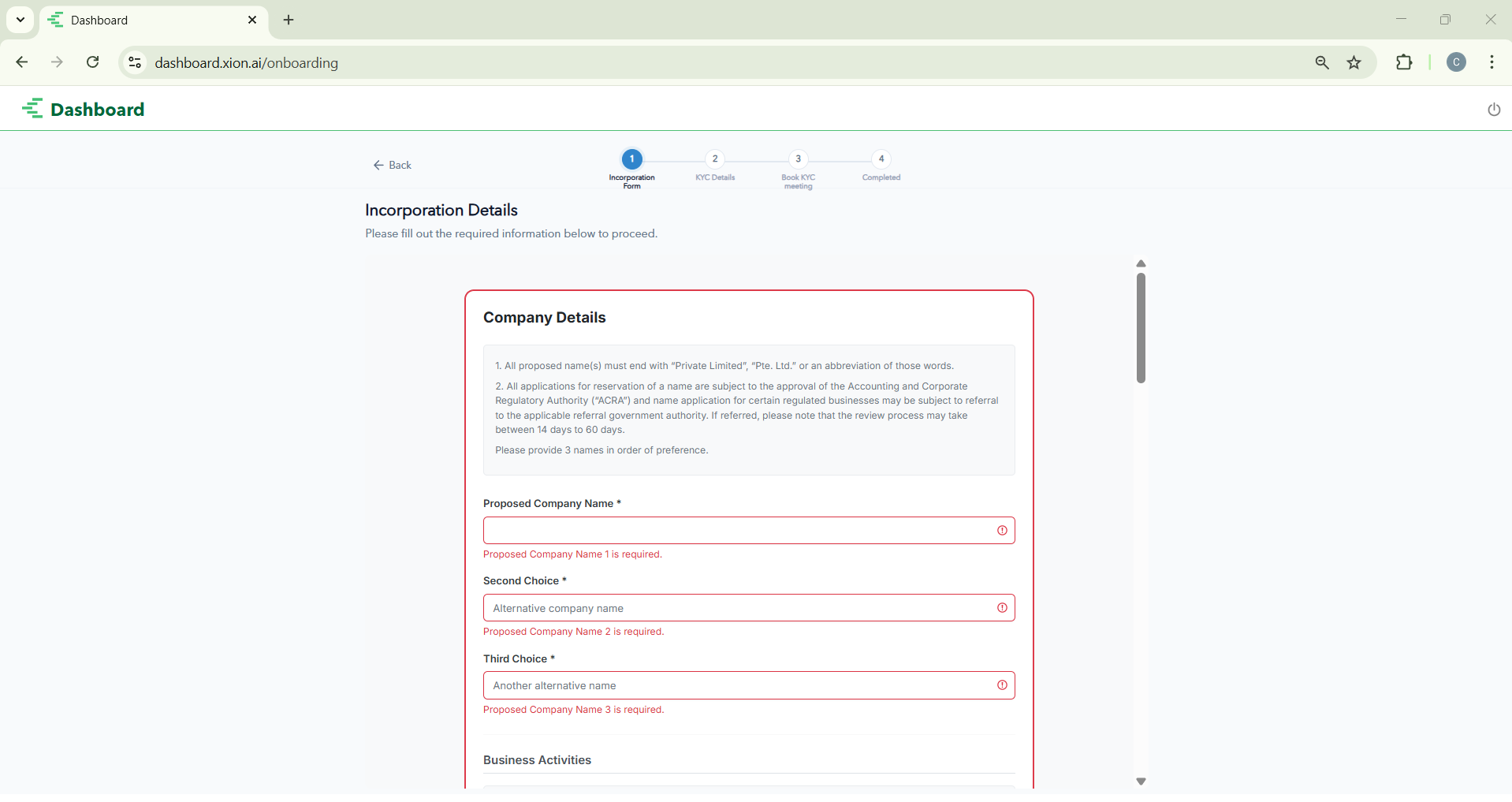
If you selected Incorporation during setup, you must provide specific details for ACRA (Accounting and Corporate Regulatory Authority) to process your new company in Singapore.
All proposed names must end with “Private Limited,” “Pte. Ltd.,” or an approved abbreviation.
ACRA requires three name choices in order of preference. Provide alternatives to avoid delays if your primary choice is rejected. Click Save to lock these in.
Search for SSIC codes that best describe your revenue streams. You must register at least one principal activity (maximum of two).
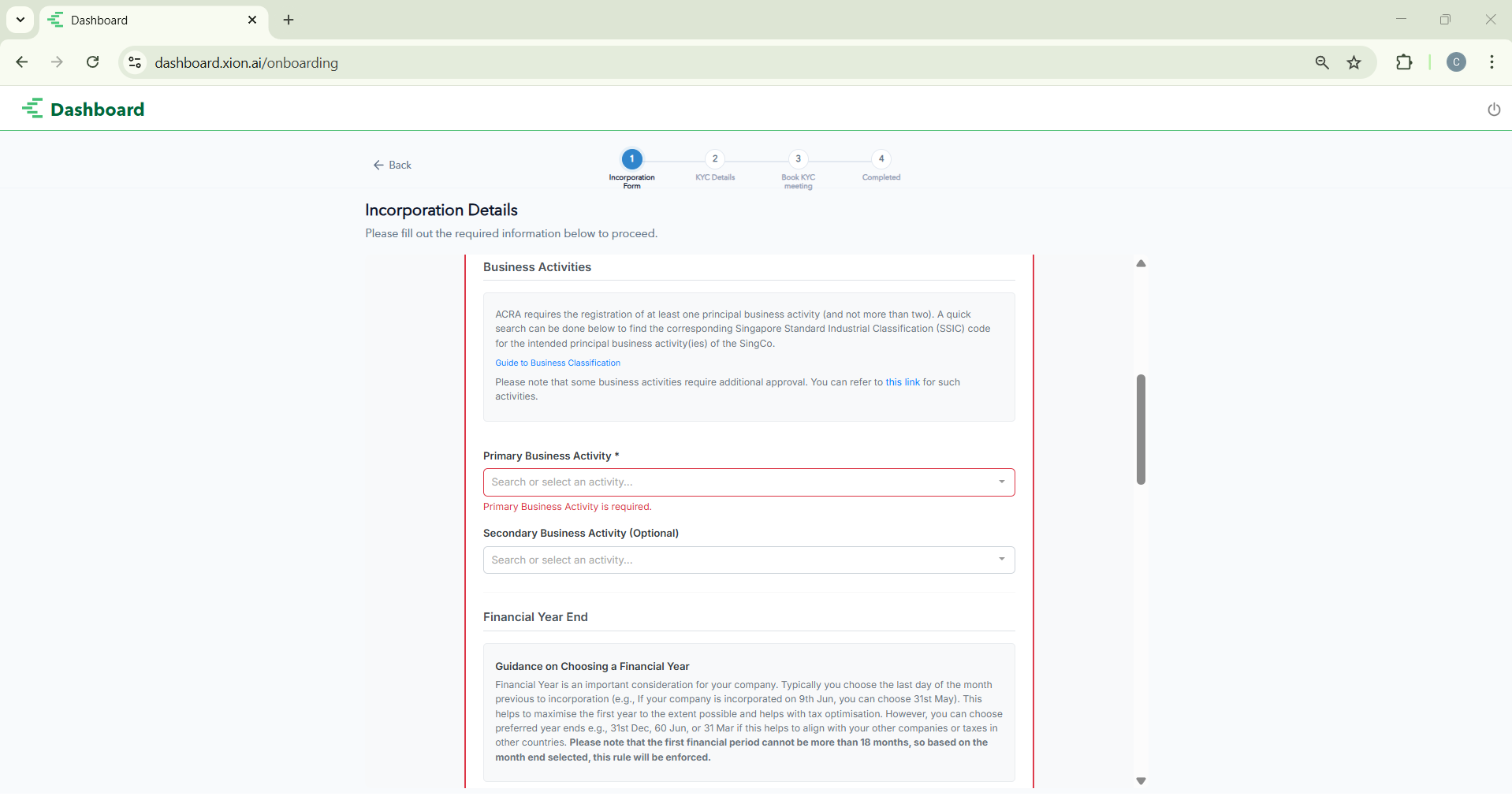
Choose your Financial Year End (FYE) and provide a physical Singapore office address. You may opt to use Counto’s registered address service if needed.
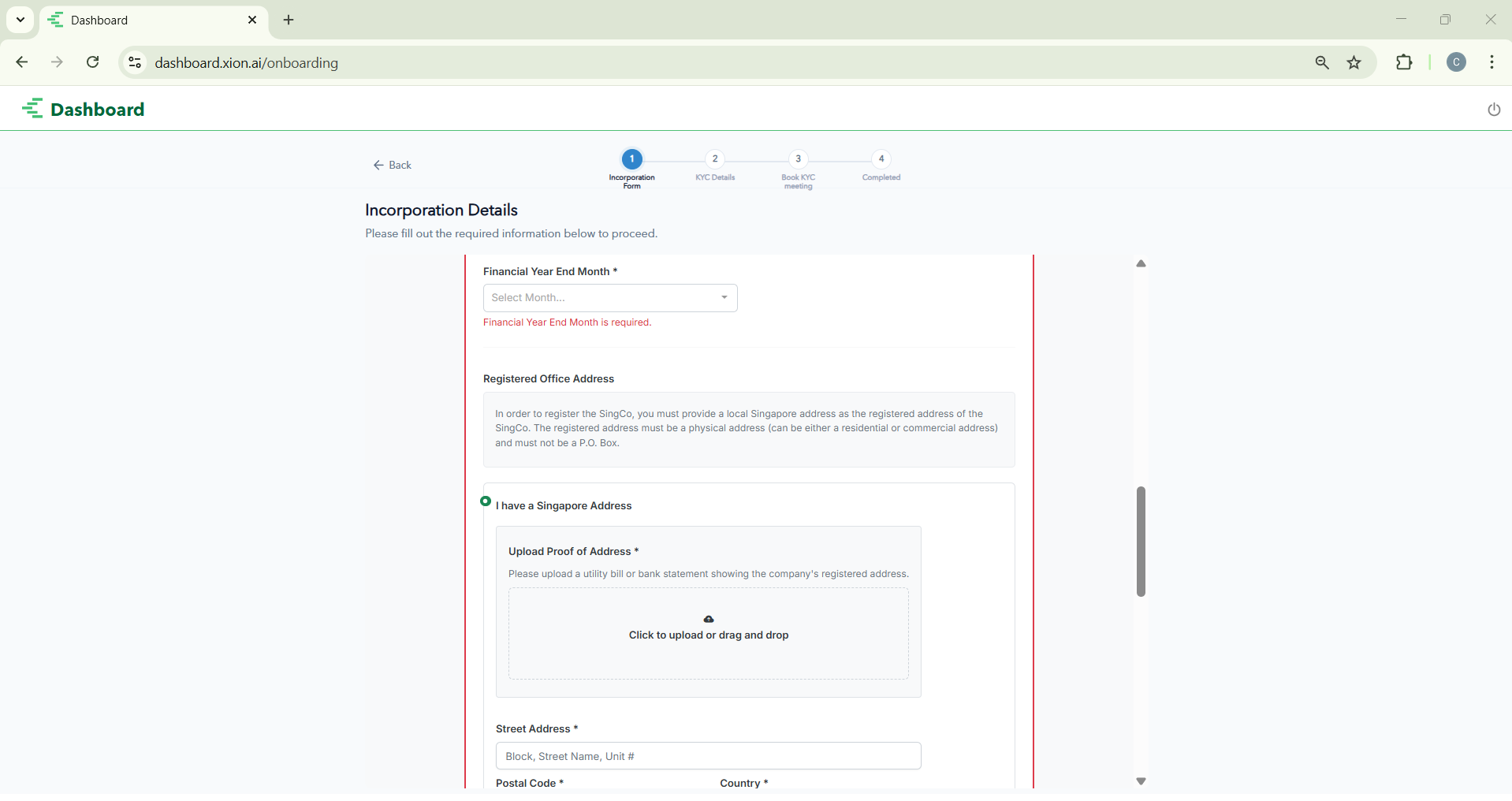
Add details for all directors and shareholders. Define share distribution and paid-up capital, ensuring all global directorships are exhaustively listed.
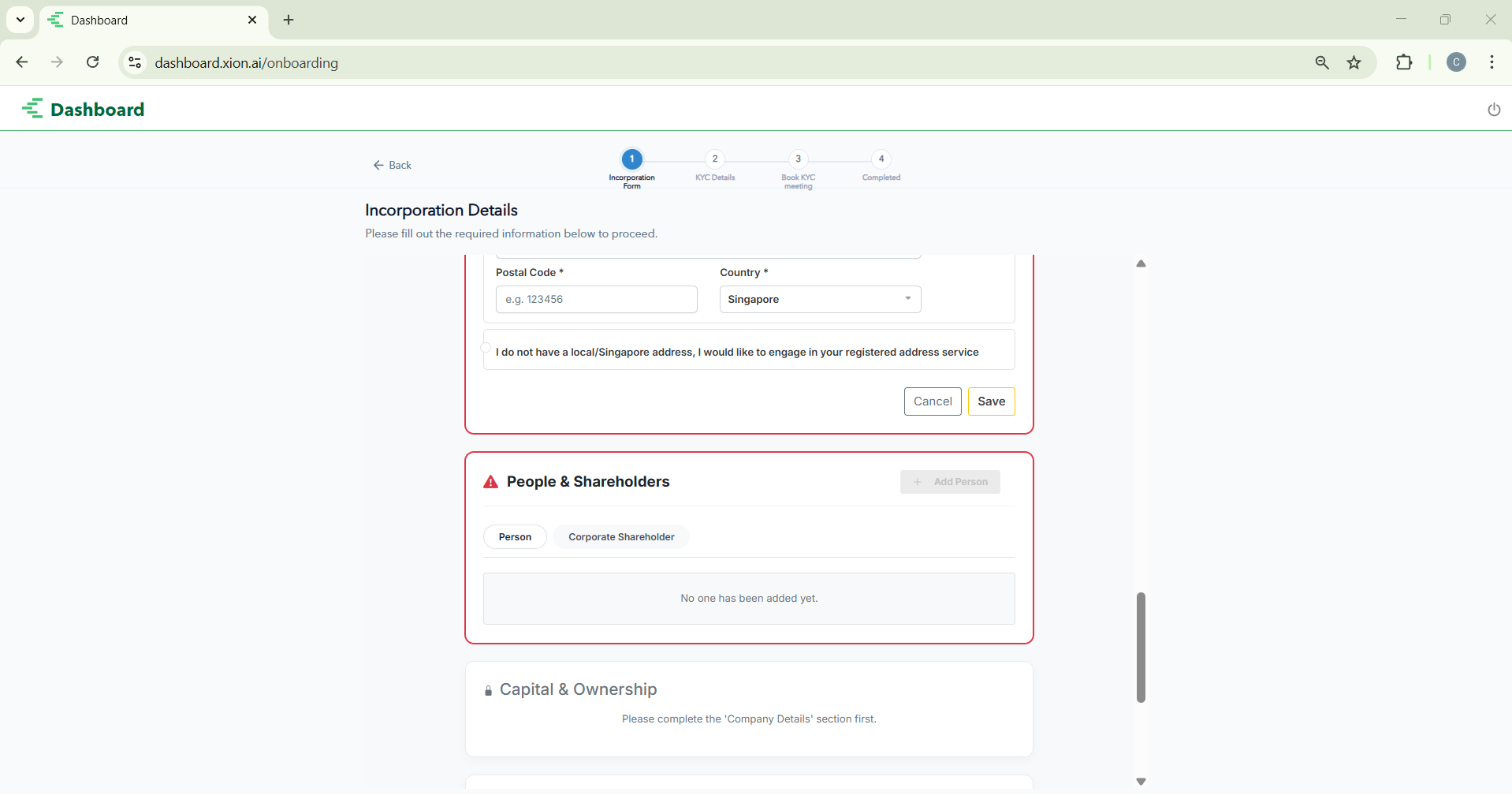
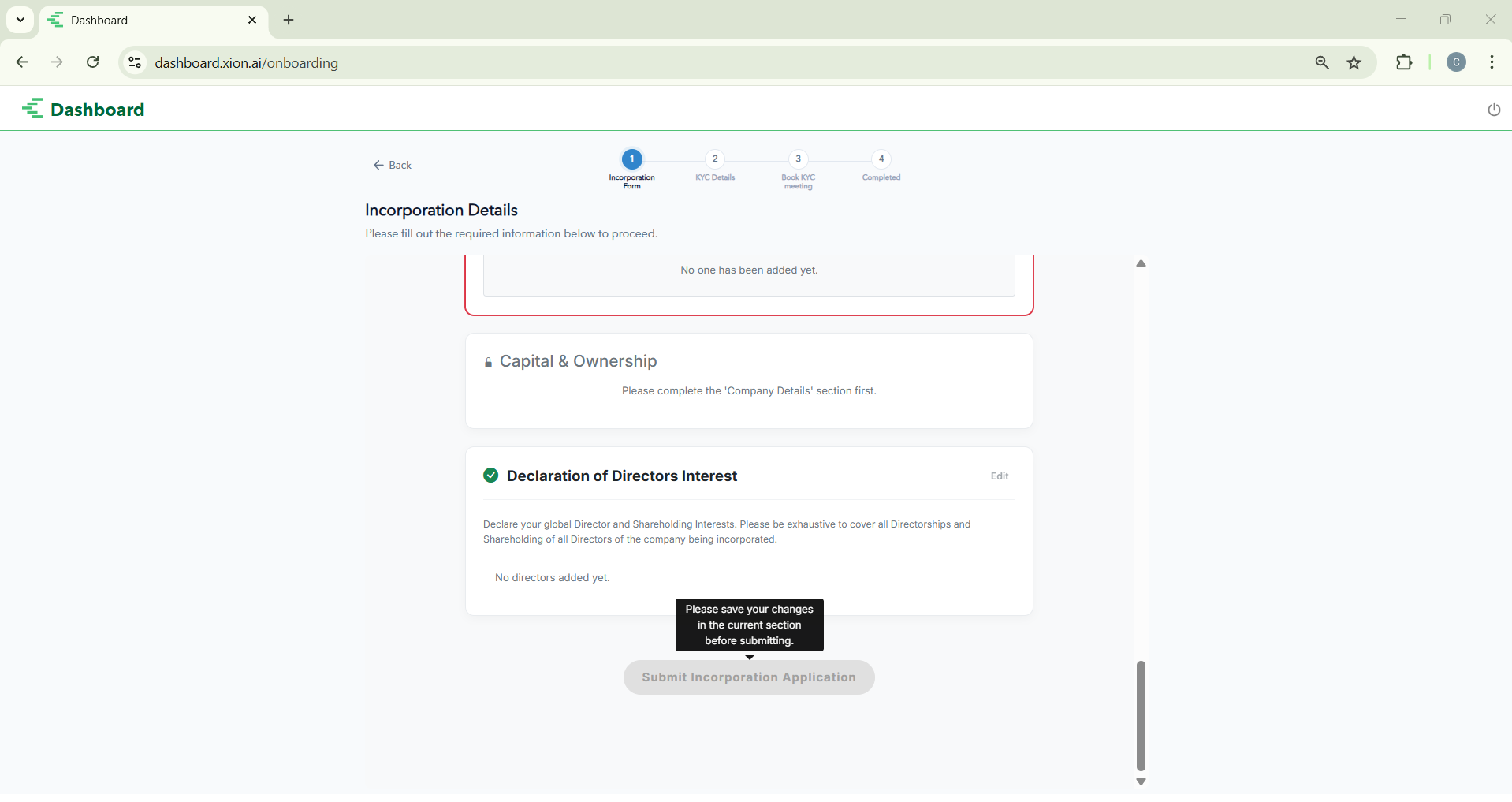
Once all sections show a green checkmark, click Submit Incorporation Application to finalise the digital portion of your request.
Accounting Details
How do I complete my Bookkeeping and annual filing application?
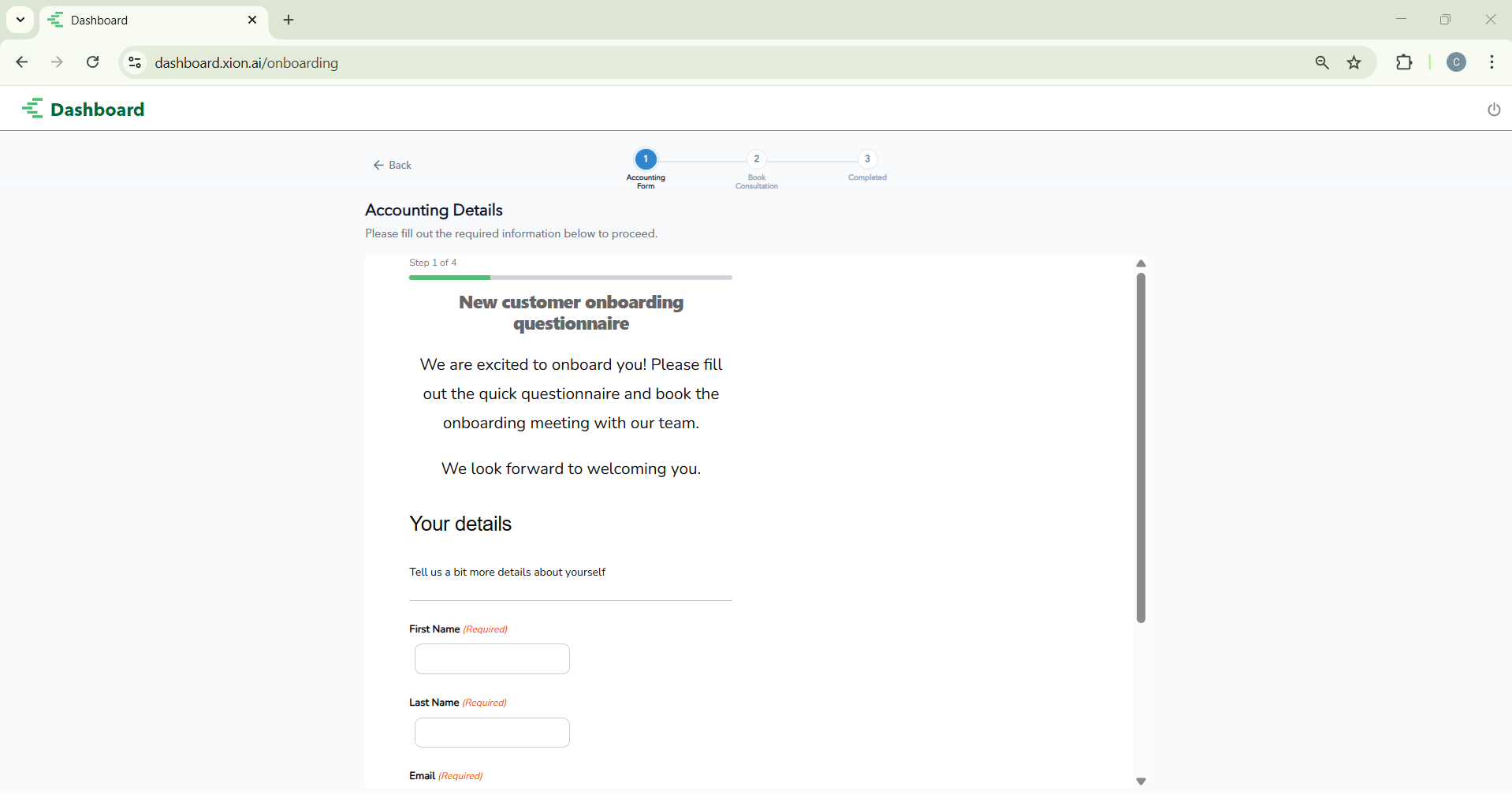
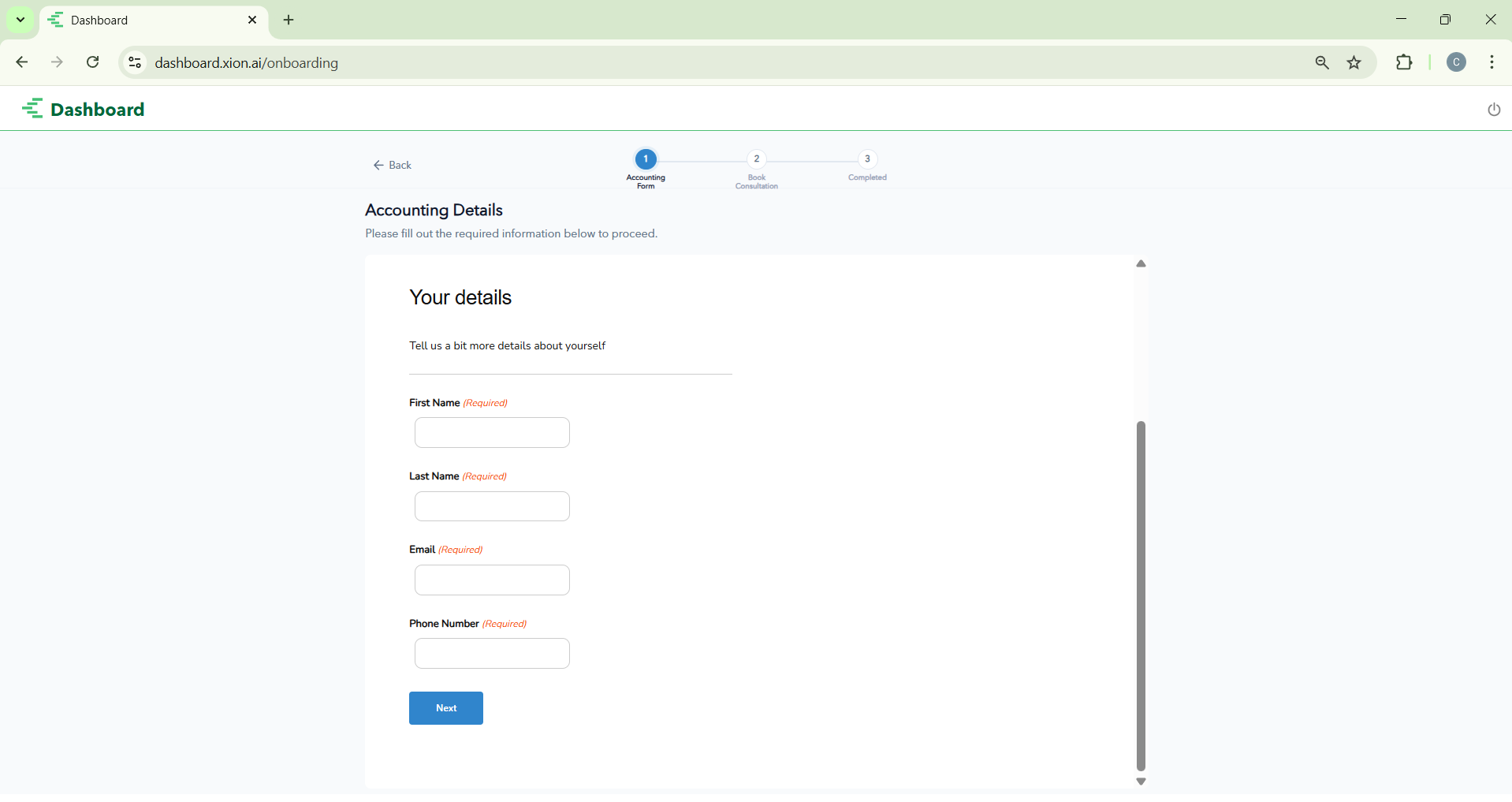
If you selected Accounting Packages during setup, you must complete a 4-step onboarding questionnaire to ensure our team has the necessary business context for IRAS and ACRA filings.
This establishes the primary point of contact. Enter your full name, business email, and phone number for coordinated setup.
Corporate Secretarial Details
How do I complete my Corporate Secretarial application?
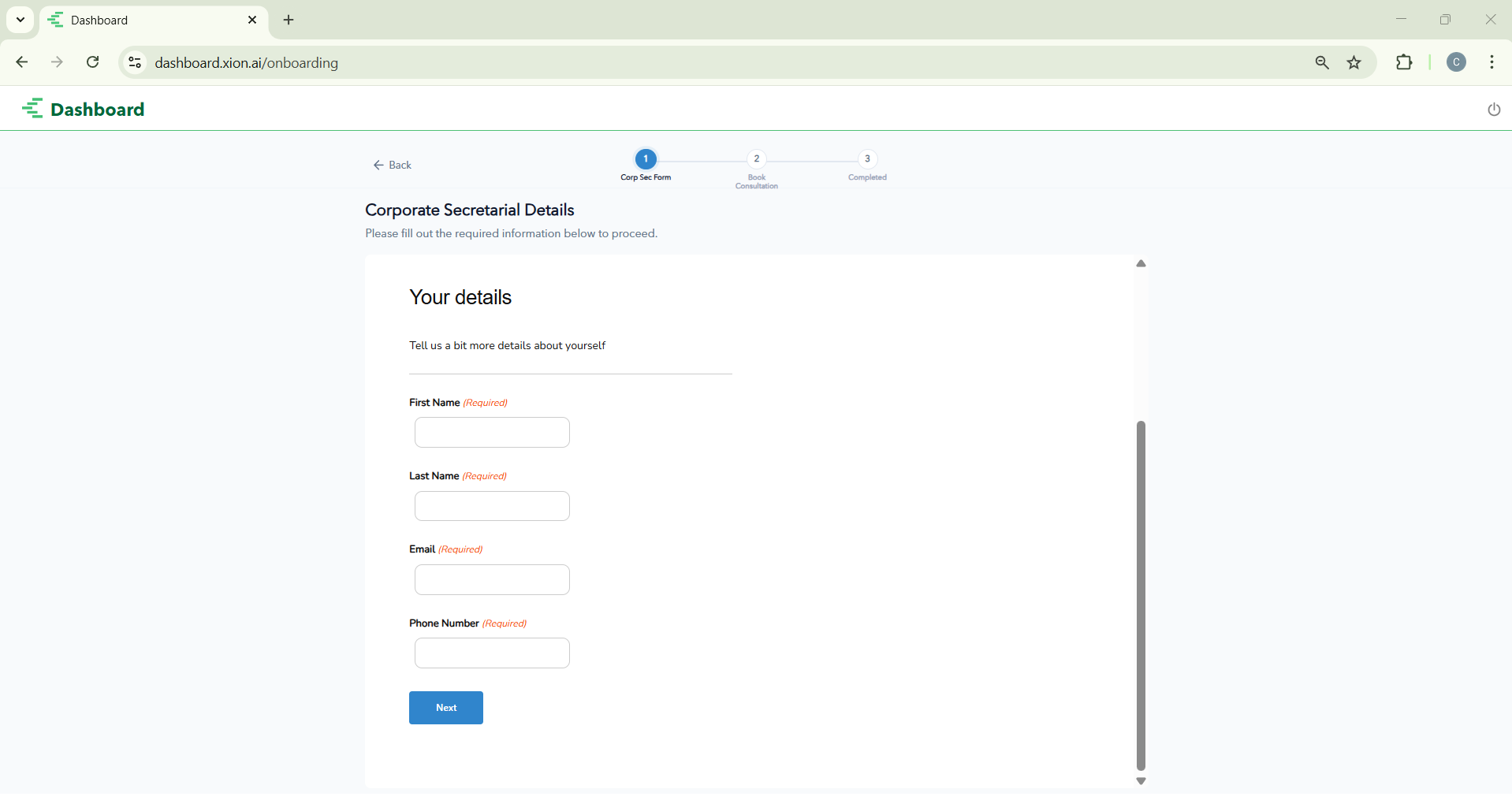
If you selected Company Secretary, you must provide details regarding your company’s legal structure and officers. This ensures that Counto can maintain your statutory registers and handle compliance filings with ACRA.
Provide your Full Name, Email, and Phone Number. Our onboarding specialists will use this to coordinate your setup.
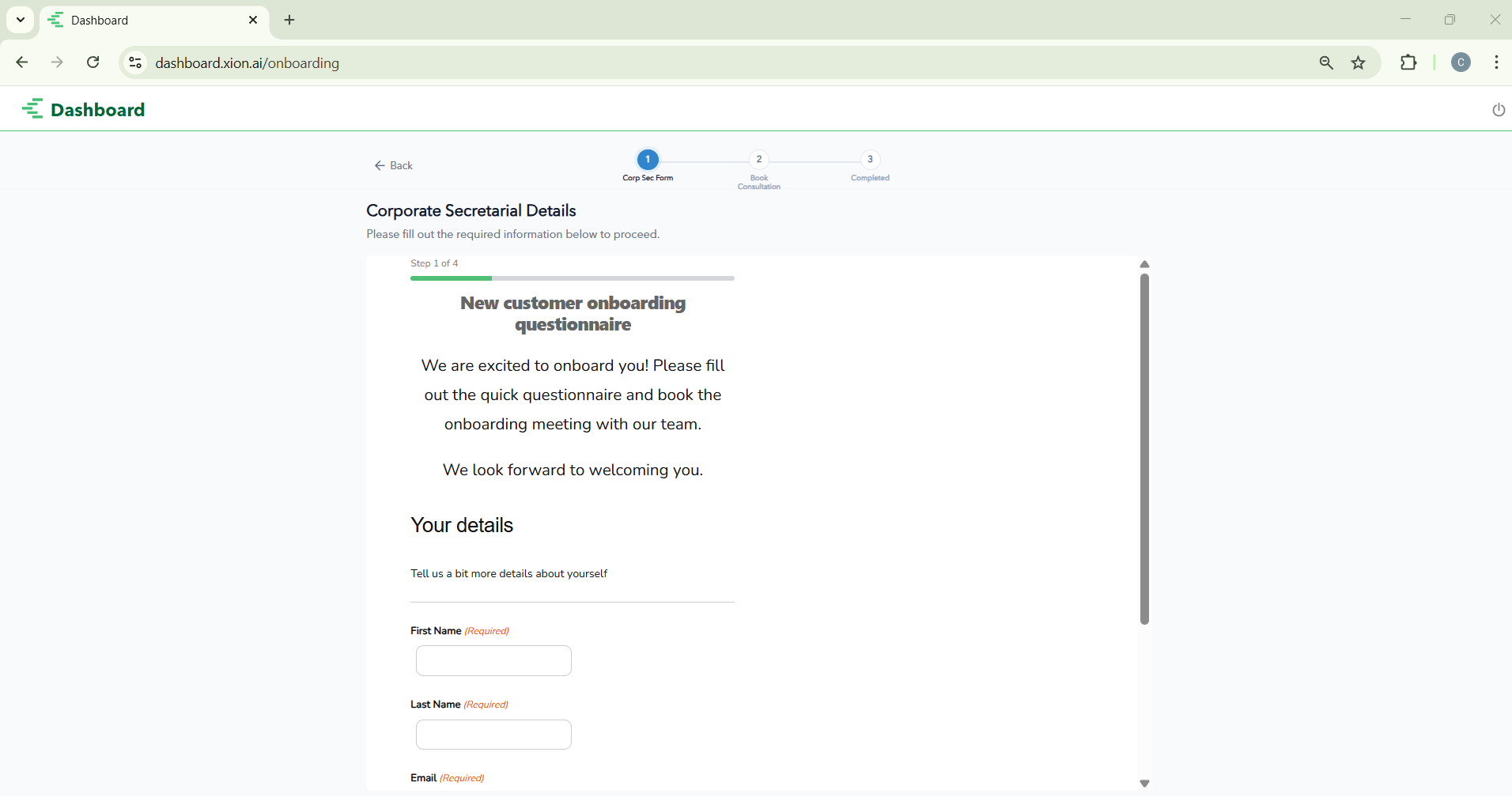
Click the submission button to send your details. Use the progress bar to track your status from Form to Book Consultation.