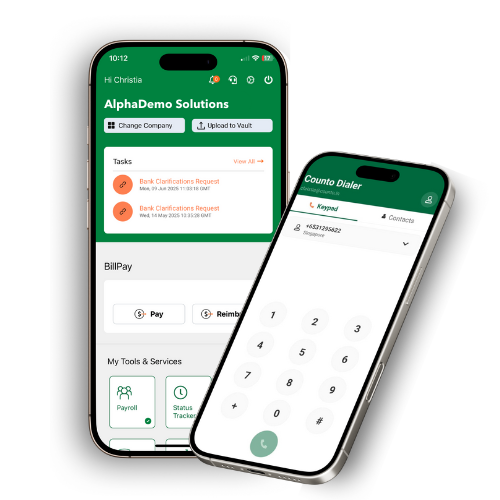
Counto Help & Support Center
Access guided demos and step-by-step walkthroughs across every Counto platform. Learn how to manage your ACRA compliance, IRAS tax, payroll, and daily operations.

Getting Started
Learn the basics and set up your account
Setting Up Your Account
How do I register my company and access the platform?
Welcome to Counto! This guide walks you through the initial onboarding at dashboard.xion.ai/onboarding. This is a continuous flow designed to get your business profile registered in our system within minutes.
Authorisation:
Only Admin users are authorised to register new companies and select service paths.
Only Admin users are authorised to register new companies and select service paths.
1
Naming Your Company
The first screen will ask you to “Let’s create your company.” Enter the legal name of your business as registered (or proposed) with ACRA and click Confirm & Continue.
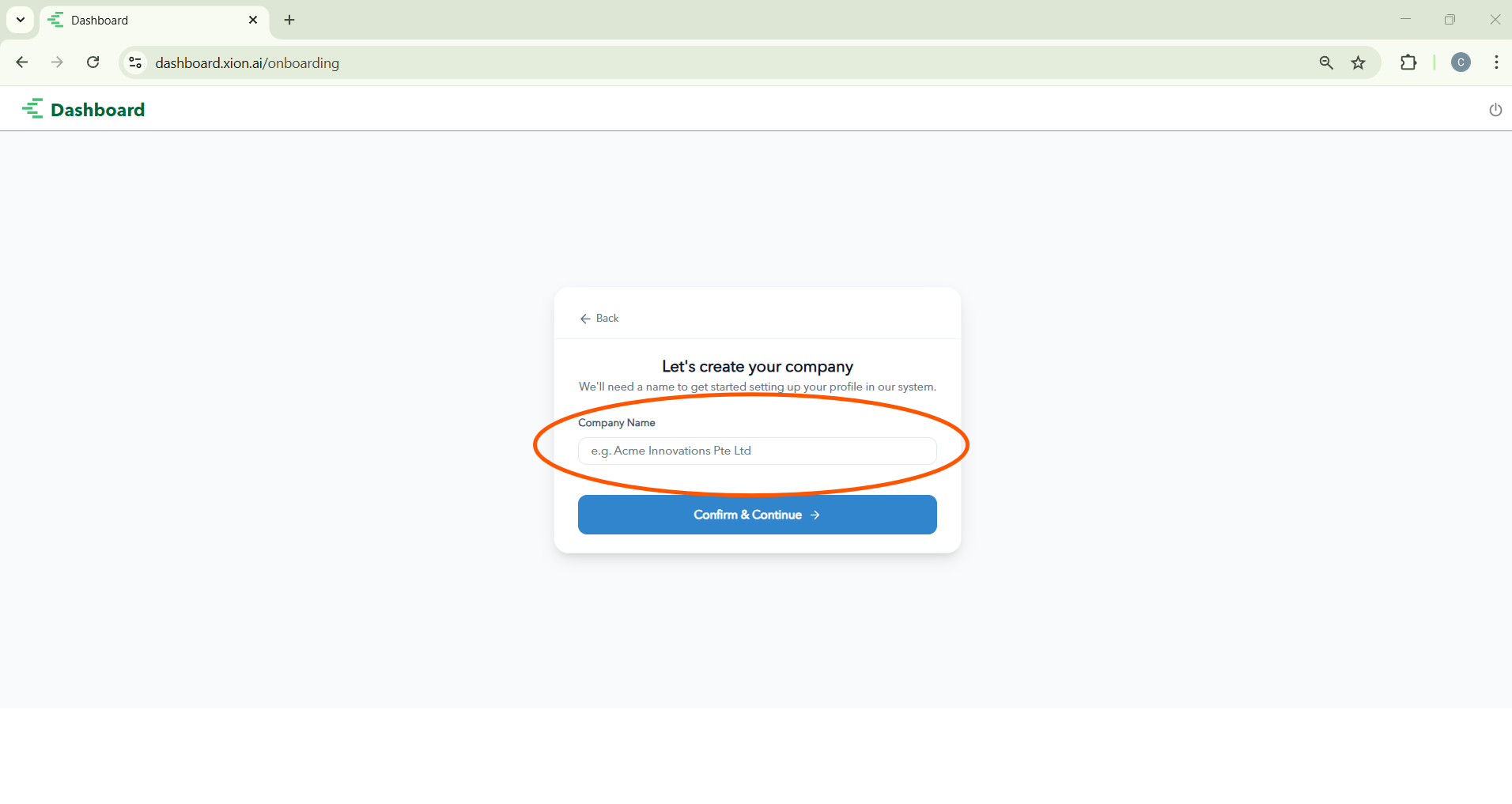
The first screen will ask you to “Let’s create your company.” Enter the legal name of your business as registered (or proposed) with ACRA and click Confirm & Continue.
2
Selecting Jurisdiction
Select your region (e.g., Singapore). This ensures all automated tax, CPF, and legal logic is correctly applied to your account for compliance.
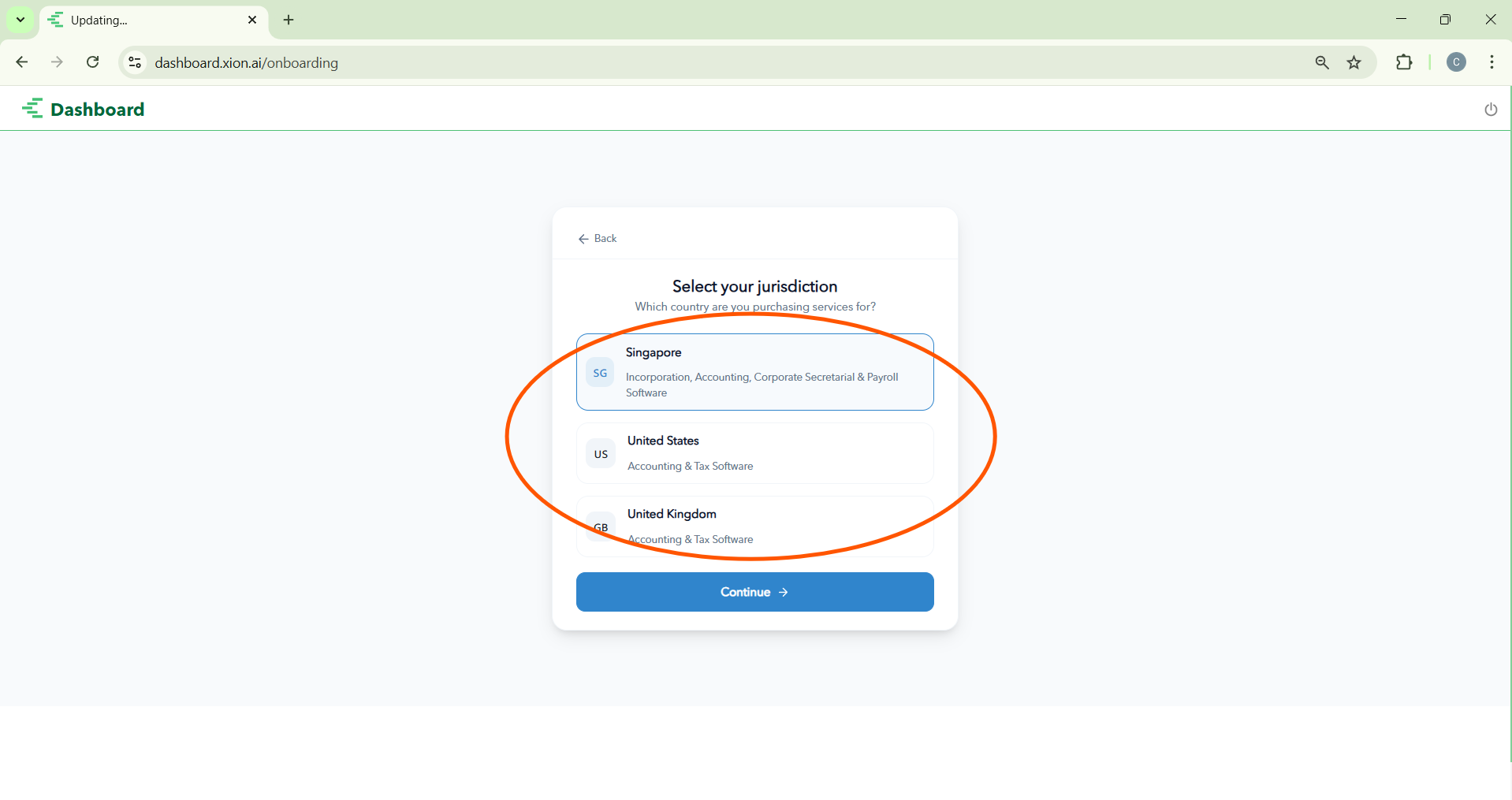
Select your region (e.g., Singapore). This ensures all automated tax, CPF, and legal logic is correctly applied to your account for compliance.
3
Choosing Your Service Path
Match your purchase to your setup: Incorporation, Accounting Packages, Company Secretary, or Software Only (for Payroll/BillPay access).
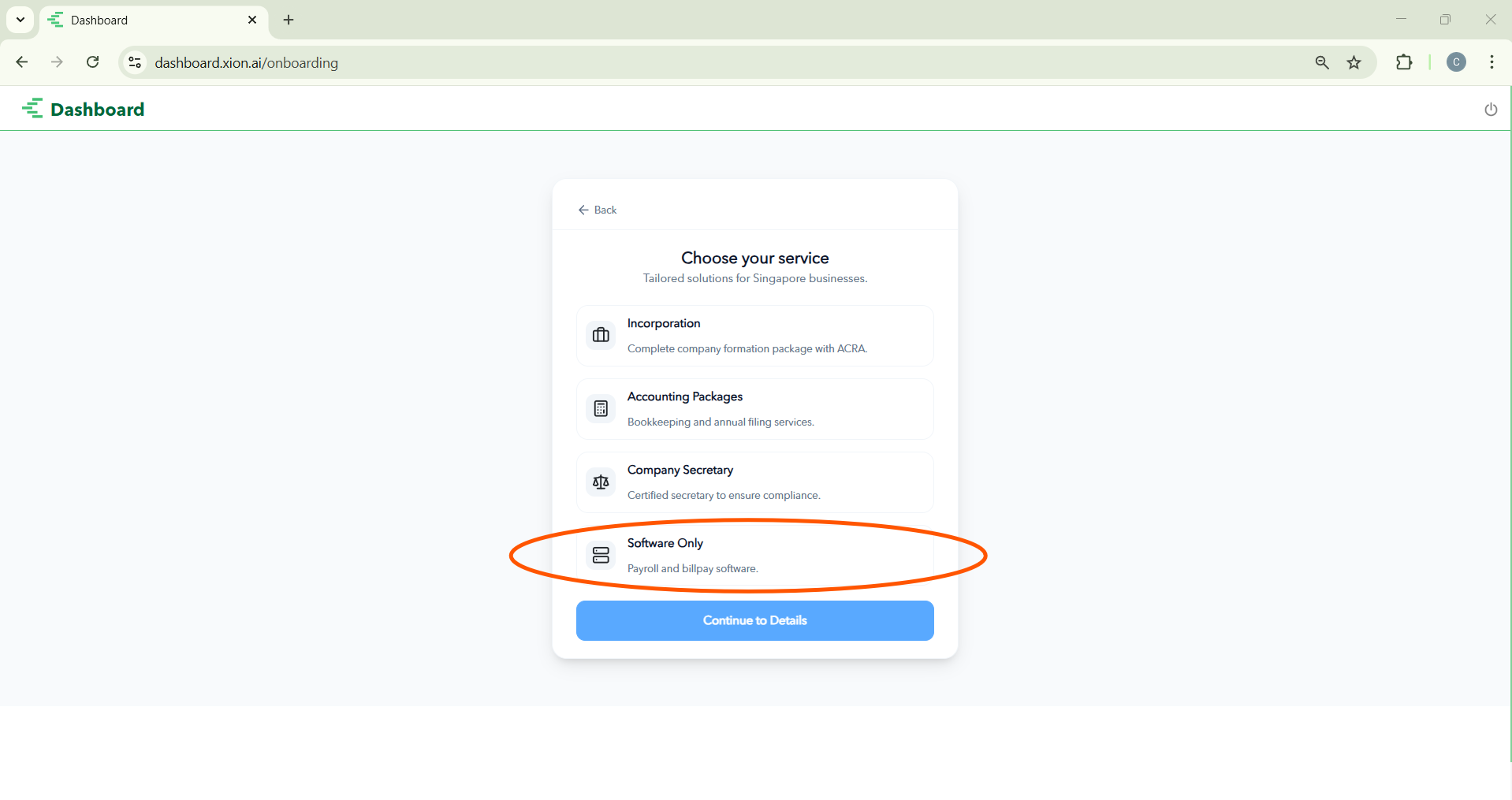
Match your purchase to your setup: Incorporation, Accounting Packages, Company Secretary, or Software Only (for Payroll/BillPay access).
4
Finalising Permissions
Once you see the green checkmark for “Permissions Setup Complete,” click the green Go to Payroll App button to enter the workspace.
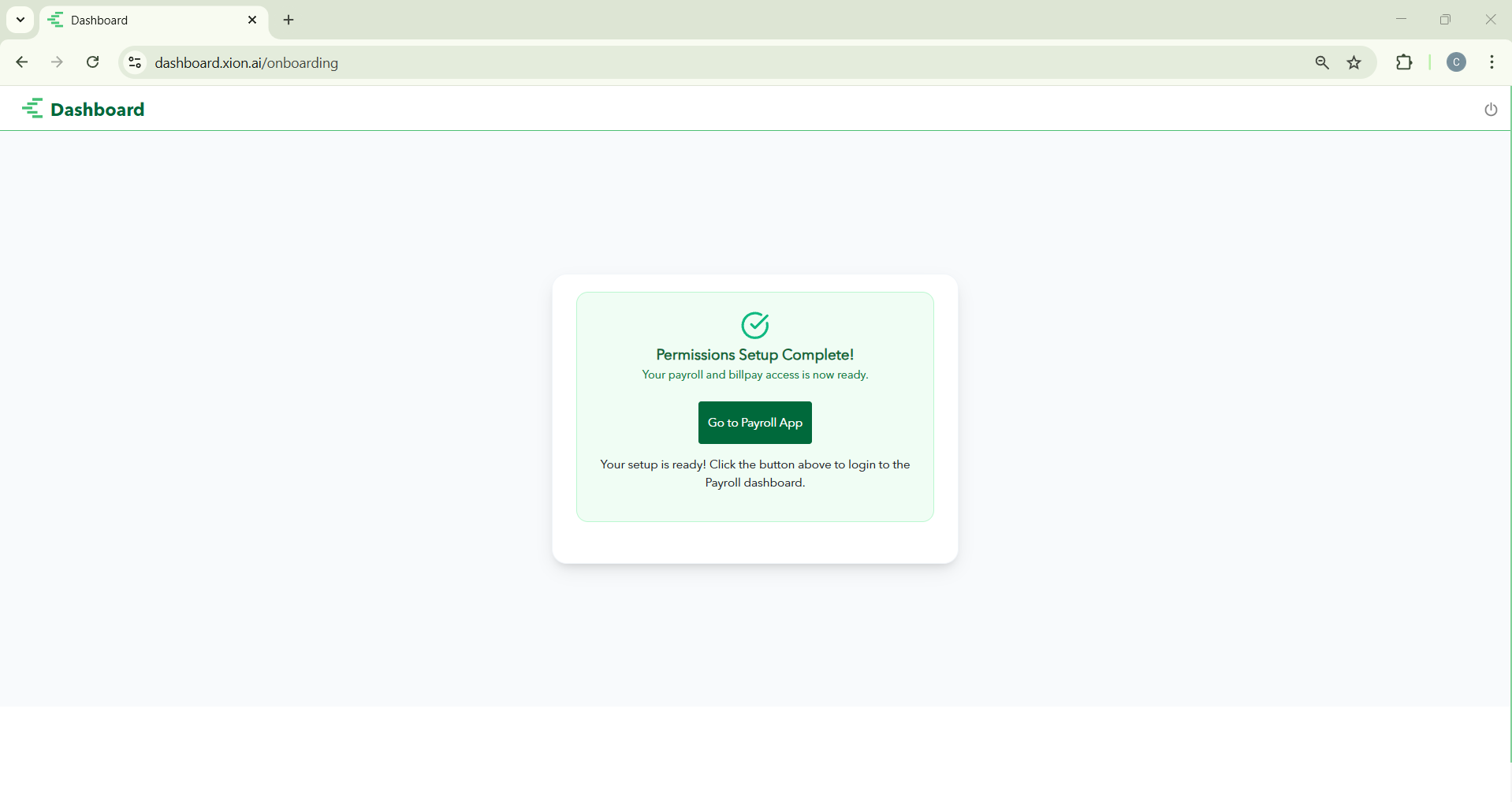
Once you see the green checkmark for “Permissions Setup Complete,” click the green Go to Payroll App button to enter the workspace.
What’s Next?
Now that you have accessed the app, you can begin setting up your pay cycles and team.