×
Close
Find answers and get support

Mobile App
Access your workspace on the go
Leaves and Personal Profile
How do I manage my profile and HR requests?
1
Access Payroll Tile
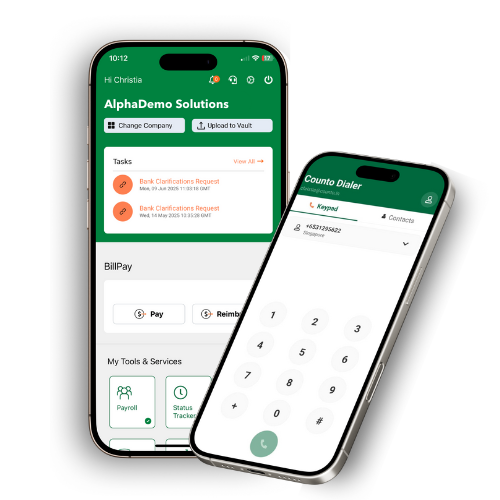
Tap the Payroll tile under My Tools and Services.
Tap the Payroll tile under My Tools and Services.
2
Identify Manager
Go to the Profile tab to find your info and identify your Approving Manager.
Go to the Profile tab to find your info and identify your Approving Manager.
3
Submit Leave
Use the Leaves tab to view your current Balances and tap to submit a New Leave Request.
Use the Leaves tab to view your current Balances and tap to submit a New Leave Request.
4
Track Requests
Track your requests in the status tab; you can cancel a pending request if needed.
Track your requests in the status tab; you can cancel a pending request if needed.
5
Download Payslips
Access the Payslips tab within the same module to check and download your salary slips.
Access the Payslips tab within the same module to check and download your salary slips.