×
Close
Find answers and get support
Mobile App
Access your workspace on the go
Quick Filing via Upload to Vault
How do I perform instant document filing?
1
Access Shortcut
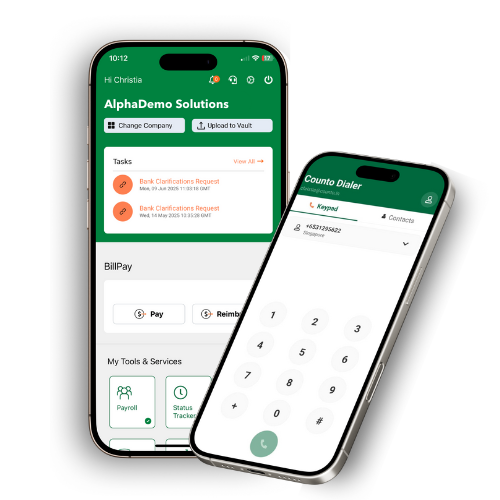
Tap the Upload to Vault shortcut in the top navigation bar.
Tap the Upload to Vault shortcut in the top navigation bar.
2
Choose Method
Choose your method: Take Photo instantly, Select Photo from your gallery, or Upload File from storage.
Choose your method: Take Photo instantly, Select Photo from your gallery, or Upload File from storage.
3
Confirmation
Once uploaded, look for the on-screen confirmation that the process is complete.
Once uploaded, look for the on-screen confirmation that the process is complete.
4
Receipt
Check your email for a system-generated confirmation message for your records.
Check your email for a system-generated confirmation message for your records.
Documents uploaded via mobile are automatically synced to your desktop Vault and categorized for accounting.