×
Close
Find answers and get support
Mobile App
Access your workspace on the go
Installing & Setting Up the Mobile App
Application Download
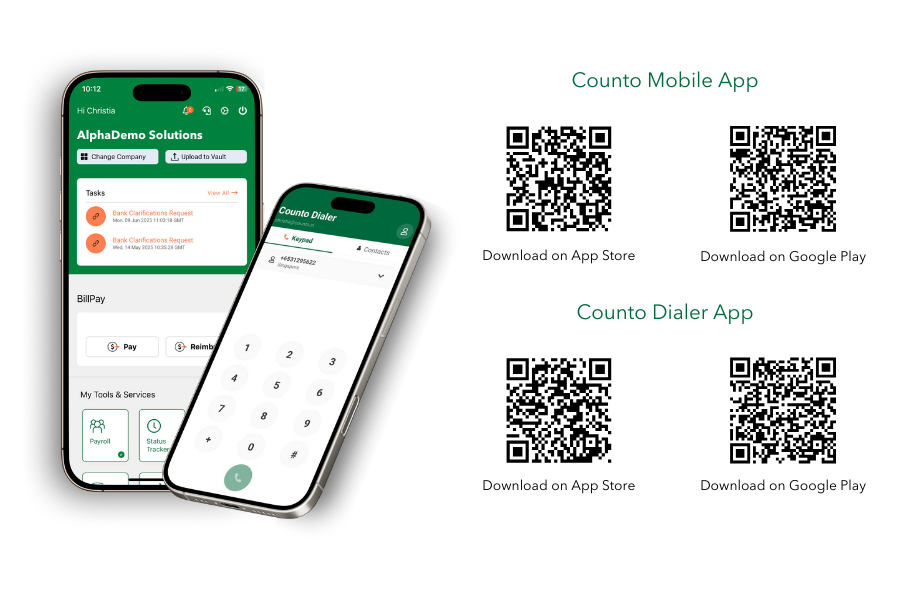
Scan the QR code below to download the Counto App directly to your mobile device.
Secure Authentication and Biometrics
How do I set up secure authentication and biometrics?
1
Authentication
Open the application and enter your credentials to authenticate.
Open the application and enter your credentials to authenticate.
2
Access Settings
Once on the Home Screen, tap the Settings gear icon located in the upper right corner.
Once on the Home Screen, tap the Settings gear icon located in the upper right corner.
3
Enable Biometrics
Toggle on Biometric Login to enable secure Fingerprint or Face ID access for future sessions.
Toggle on Biometric Login to enable secure Fingerprint or Face ID access for future sessions.
4
Notifications
Manage your notification preferences within this same menu to control real-time alerts.
Manage your notification preferences within this same menu to control real-time alerts.
Biometric data is stored locally on your device and is not accessible by Counto.
Share this article: